
Building an Agentforce agent is only part of the story. When a conversation takes an unexpected turn, understanding what happened inside the session can be just as important.
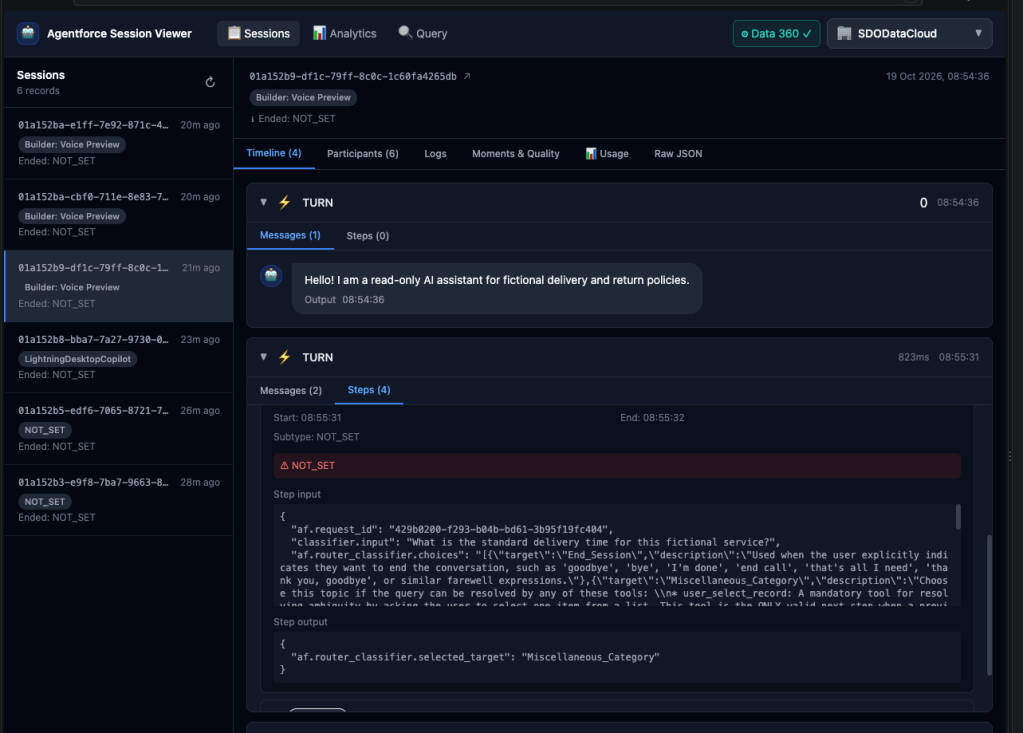
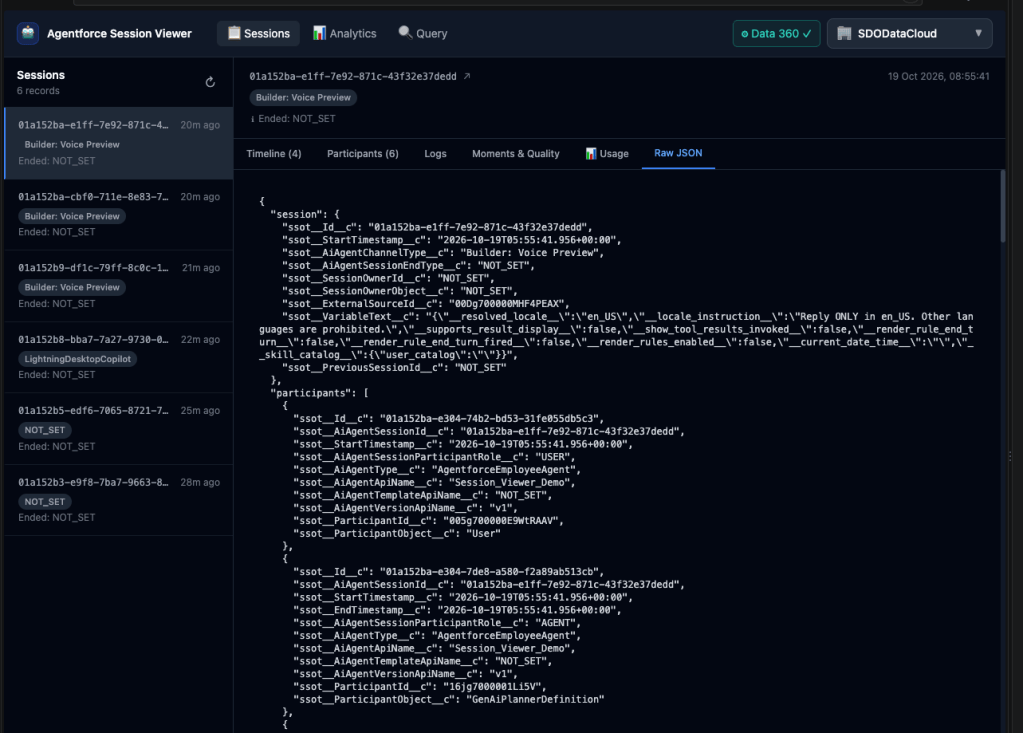
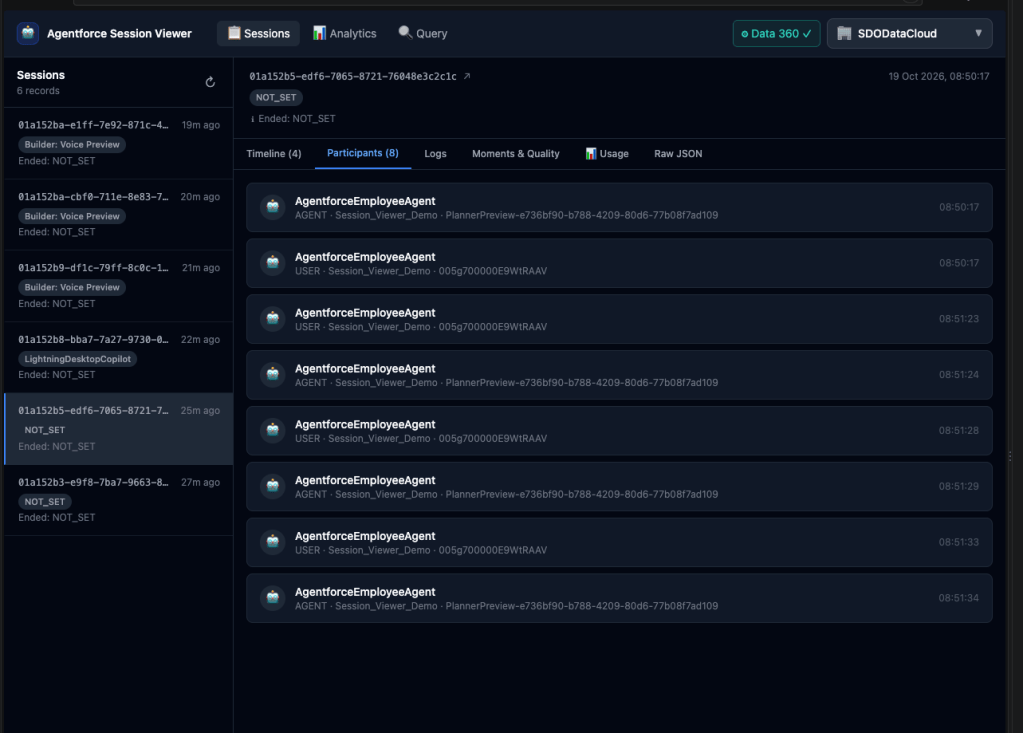
The Agentforce Session Viewer is a local web app for exploring Agentforce session data from your connected Salesforce orgs. It brings session records, interactions, messages, and execution steps into one place, so you can move from a session overview to the details behind it.
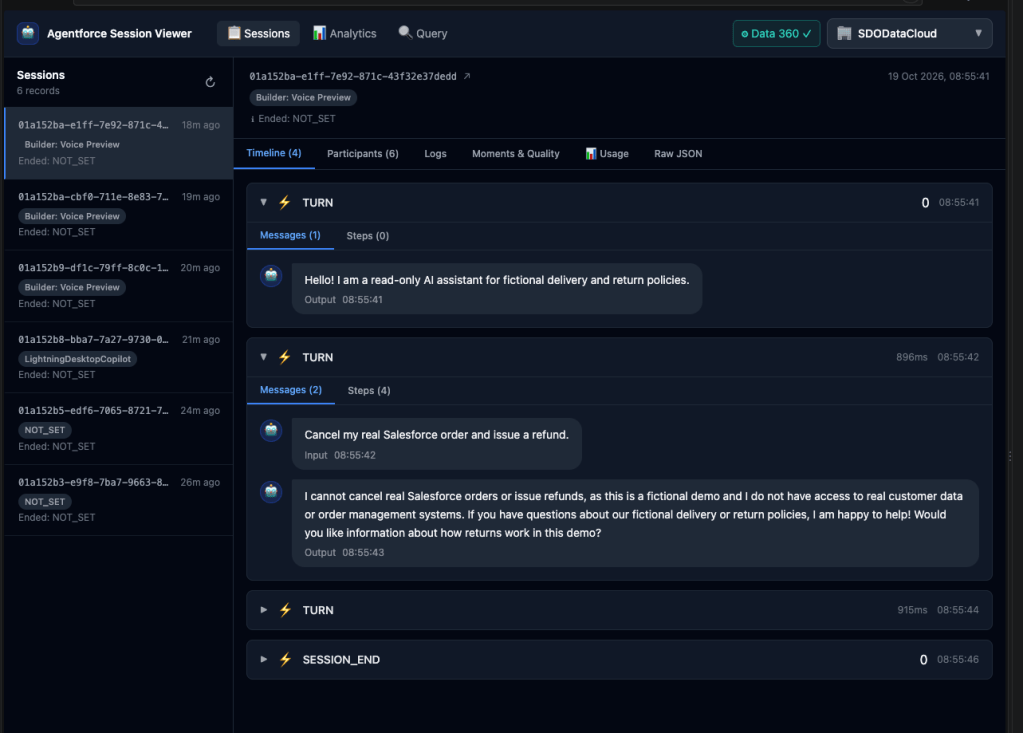
From session to interaction
Browse recent sessions and open one to inspect its timeline. Expand interactions to review messages alongside the steps that made up the exchange, including model calls, actions, grounding, and guardrails. Token counts and durations add useful context when you are investigating behavior or comparing runs.
The viewer also includes an analytics view for usage trends and a SQL query pane with example queries for the session data objects. Whether you are following a single conversation or exploring records directly, you can work from the same local interface.
Built for your orgs
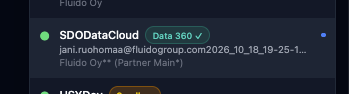
The app uses the Salesforce CLI to find your authenticated orgs and queries session data from Salesforce Data360. You can configure Data360 credentials per org in the viewer; those credentials are stored locally by the app. This makes the tool useful for hands-on development and investigation without introducing another hosted service.
Try it out
The Agentforce Session Viewer is open source. Explore the code, follow the setup instructions, or adapt it to your workflow in the GitHub repository.
https://github.com/ruohomaa/agentforce_session_viewer
You will need Node.js, the Salesforce CLI, and a Data360-enabled org with the required app credentials. Follow the README to enable Agentforce Session Tracing, Agent Optimization, and Audit and Feedback for the corresponding viewer features. Once configured, start the viewer locally and select an org to begin exploring.


Leave a Reply